Skip to product information

UGREEN Bluetooth 6.0 Adapter for Car - Hands-Free AUX Receiver

UGREEN Bluetooth 6.0 Adapter for Car - Hands-Free AUX Receiver

 (3618 Reviews)
Regular price $19.99
Regular price $19.99 Sale price $29.99
SAVE 33% Sold out
 

BUNDLE & SAVE

  • American express payment method American Express
  • Apple pay payment method Apple Pay
  • Bancontact payment method Bancontact
  • Diners club payment method Diners Club
  • Discover payment method Discover
  • Google pay payment method Google Pay
  • Master payment method Mastercard
  • Paypal payment method PayPal
  • Shopify pay payment method Shop Pay
  • Visa payment method Visa
 
add_shopping_cart

-

Ordered

local_shipping

- - -

Order Ready

redeem

- - -

Delivered

UGREEN Bluetooth 6.0 Adapter for Car - Hands-Free AUX Receiver

UGREEN Bluetooth 6.0 Adapter for Car - Hands-Free AUX Receiver

Regular price $19.99
Regular price $19.99 Sale price $29.99
SAVE 33% Sold out

Wireless audio for AUX-equipped cars

Make Your Car Bluetooth-Ready in Minutes

Stream music and take hands-free calls through your existing car stereo—without replacing the head unit.

Bluetooth 6.0 Convenient wireless connection
Built-In Microphone Short-range hands-free calls
Dual-Phone Pairing Connect two phones at once
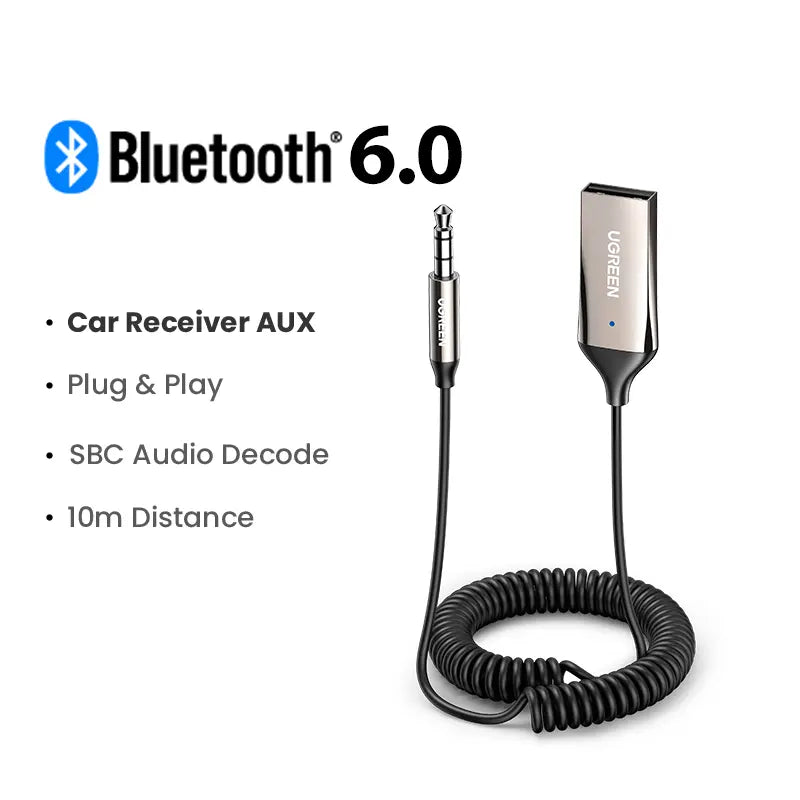
Bluetooth 6.0 AUX receiver for car wireless audio

Keep the stereo you already have

Give Your AUX System Wireless Freedom

Plug the receiver into a 3.5mm AUX input, connect USB power, then pair your phone. Your favorite playlists, podcasts and navigation audio can play through the existing speakers.

Wireless Audio

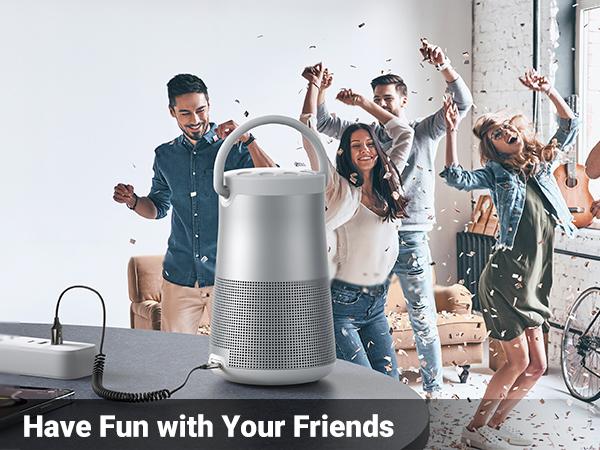
Enjoy phone audio through an AUX-equipped car stereo or compatible speaker system.

Hands-Free Calling

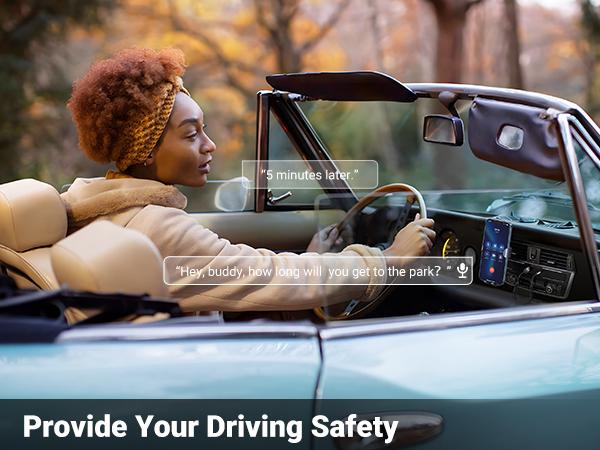
The built-in microphone supports convenient short-range voice use while driving.

Two-Phone Pairing

Pair with two phones and switch between them. Only one device plays audio at a time.

Compact Bluetooth AUX receiver connected inside a car Wireless music streaming through an AUX car stereo

Simple everyday convenience

Listen, Navigate and Call—Without Cable Clutter

A compact solution for vehicles and audio systems that have AUX input but no built-in Bluetooth connectivity.

Bluetooth receiver for music navigation audio and hands-free calls Built-in microphone for short-range hands-free calls in the car

Plug, pair, play

Three Connections to Get Started

1

Connect AUX

Insert the 3.5mm audio plug into your car or speaker system’s AUX input.

2

Connect USB Power

Plug the USB-A connector into a 5V USB port or compatible car USB adapter.

3

Pair Your Phone

Enable Bluetooth, select the receiver and begin playing audio.

Easy Bluetooth AUX receiver connection steps USB powered Bluetooth adapter with 3.5mm AUX audio connection
Check Compatibility Before Ordering
  • Your car or speaker system must have a 3.5mm AUX audio input.
  • The receiver also requires a USB-A power source.
  • A cigarette-lighter USB adapter may be used when the vehicle has no built-in USB port.
  • USB supplies power only. AUX carries the audio signal. Both connections are required.
Bluetooth AUX receiver compatibility requirements

Product details

Everything You Need to Know

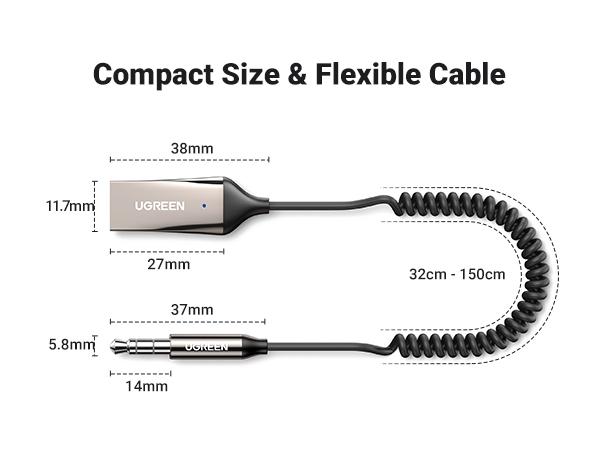
Product Type Wireless Bluetooth AUX receiver
Bluetooth Version Bluetooth 6.0
Audio Connection 3.5mm AUX
Power Connection USB-A, 5V power source
Microphone Built-in; intended for short-range vehicle use
Device Pairing Up to two phones; one audio stream at a time
Suitable For Cars and speaker systems equipped with a 3.5mm AUX input
Compact grey Bluetooth AUX audio receiver product details

Helpful setup information

Pairing & Use Tips

Review these tips for reliable setup and everyday use.

1. First-Time Pairing

Enable Bluetooth on your phone and confirm the receiver is in pairing mode. A blue light flashing twice per second indicates pairing mode. If it flashes once every 10 seconds, the receiver may already be connected to the last paired phone. Turn off Bluetooth on the previous phone before pairing a new one.

2. Power & Audio Connections

USB provides power only. The 3.5mm AUX cable carries audio. Connect both USB and AUX or no sound will play.

3. Microphone Use

The built-in microphone is designed for short-range use inside a vehicle. Call clarity can be affected by road noise, open windows or distance from the receiver.

4. Pairing Two Phones

Two phones can be paired, but only one can play audio at a time. Switching devices interrupts current playback. Disconnect the first phone before pairing the second when needed.

5. Placement

Keep the receiver away from strong magnets, amplifiers and strong electromagnetic fields to support stable performance.

6. Static or Interrupted Audio

Confirm the AUX plug is fully inserted and that the jack is clean. Also make sure the phone and stereo are not muted. Reset the receiver if the issue continues.

7. Recommended Power Source

Use a vehicle USB port or a reliable 5V USB adapter. Avoid damaged or uncertified chargers that may cause unstable power or excess heat.

Bluetooth receiver pairing and status light guidance Bluetooth AUX receiver in-car use guide Wireless Bluetooth audio receiver for AUX-equipped cars and speakers

Upgrade Your AUX System Today

Bring wireless music and convenient hands-free calling to the car stereo you already own.

Please confirm your vehicle has both a 3.5mm AUX input and a USB power source before ordering.

  • Share positive thoughts and feedback from your customer.

    Author
  • Share positive thoughts and feedback from your customer.

    Author
  • Share positive thoughts and feedback from your customer.

    Author
    View full details