🚗🎄 Smart LED Pixel Car Display — App-Controlled Custom Text, Colors & Animations
🚗🎄 Smart LED Pixel Car Display — App-Controlled Custom Text, Colors & Animations
BUNDLE & SAVE
Couldn't load pickup availability
- American express payment method
- Apple pay payment method
- Bancontact payment method
- Diners club payment method
- Discover payment method
- Google pay payment method
- Master payment method
- Mbway payment method
- Paypal payment method
- Shopify pay payment method
- Visa payment method
-
Ordered
- - -
Order Ready
- - -
Delivered

🚗🎄 Smart LED Pixel Car Display — App-Controlled Custom Text, Colors & Animations
Your home is glowing for Christmas. Let your car join the show.
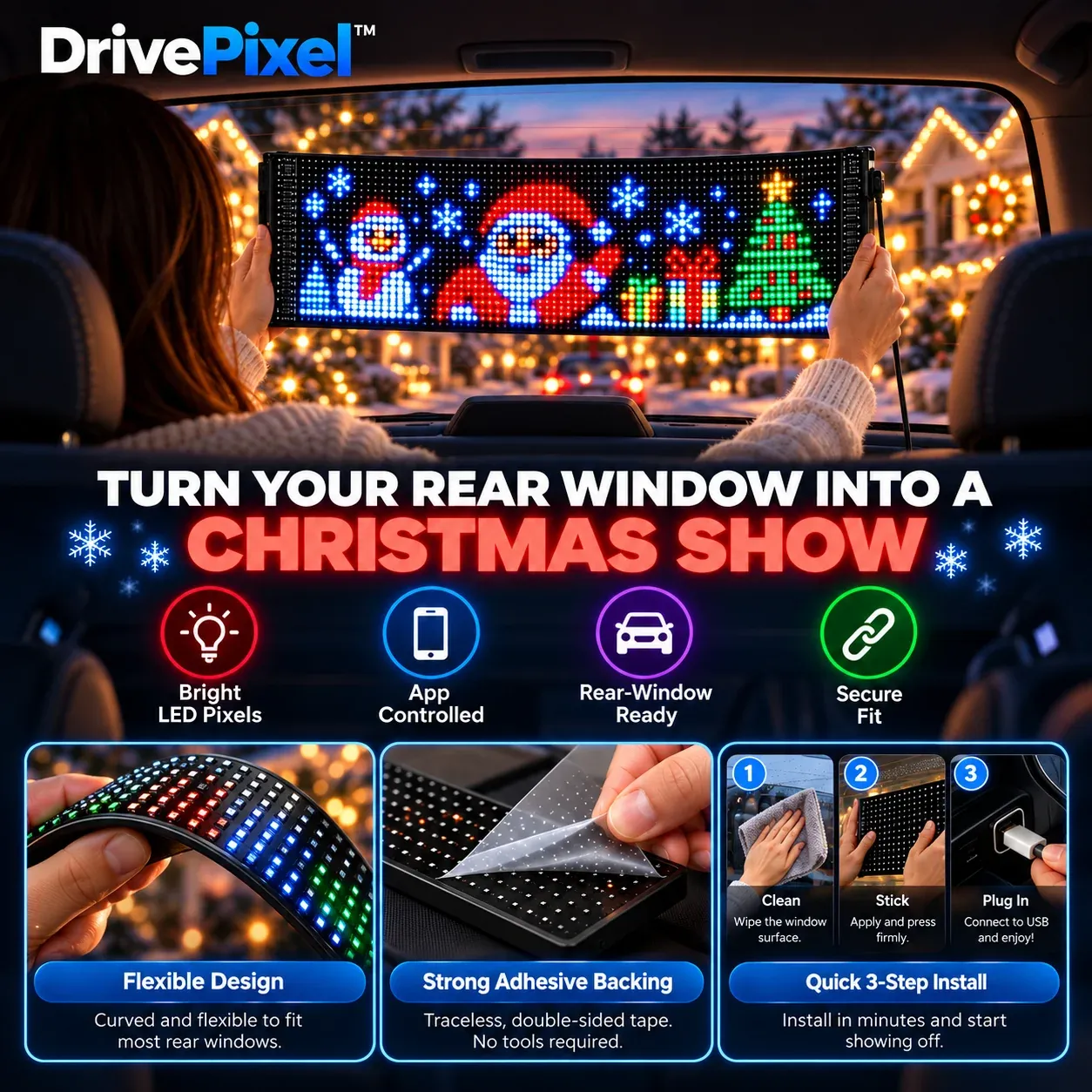
You spend time decorating the house, hanging lights and creating that Christmas feeling. DrivePixel™ lets you carry some of that same holiday energy with you. Turn your rear window into a colorful pixel display filled with festive animations, custom messages and designs you can change from your phone.
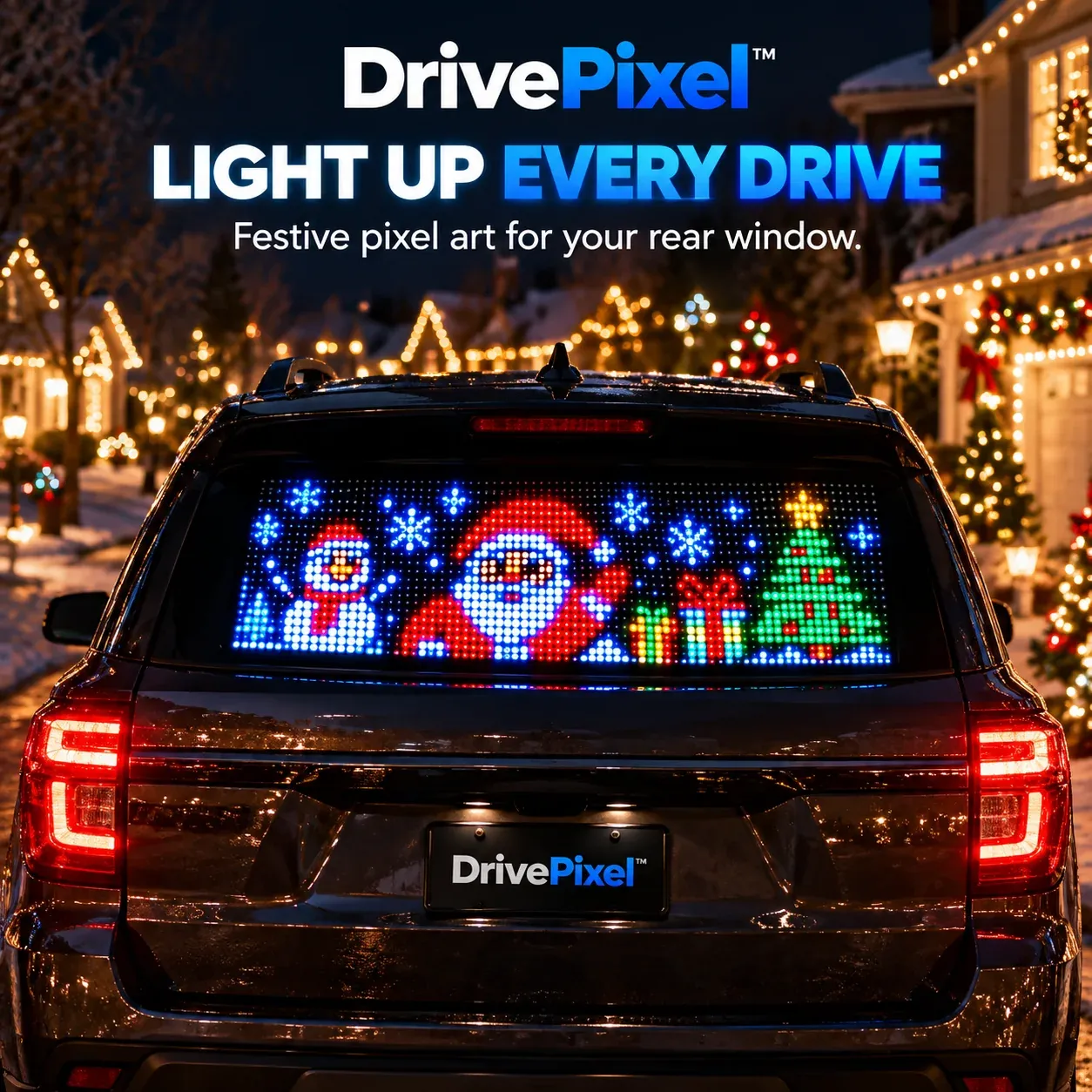
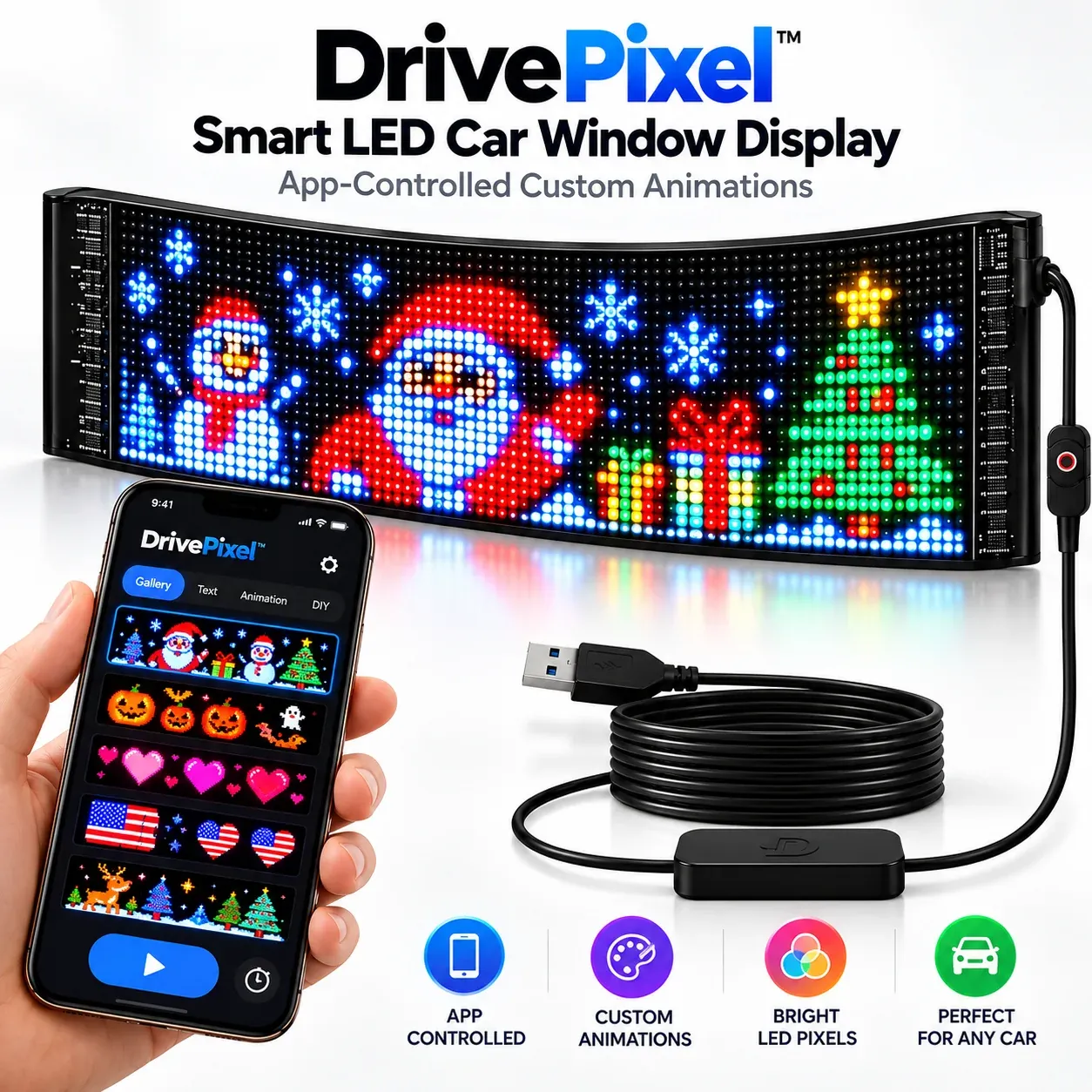
Today it's Santa. Tomorrow it can look completely different.
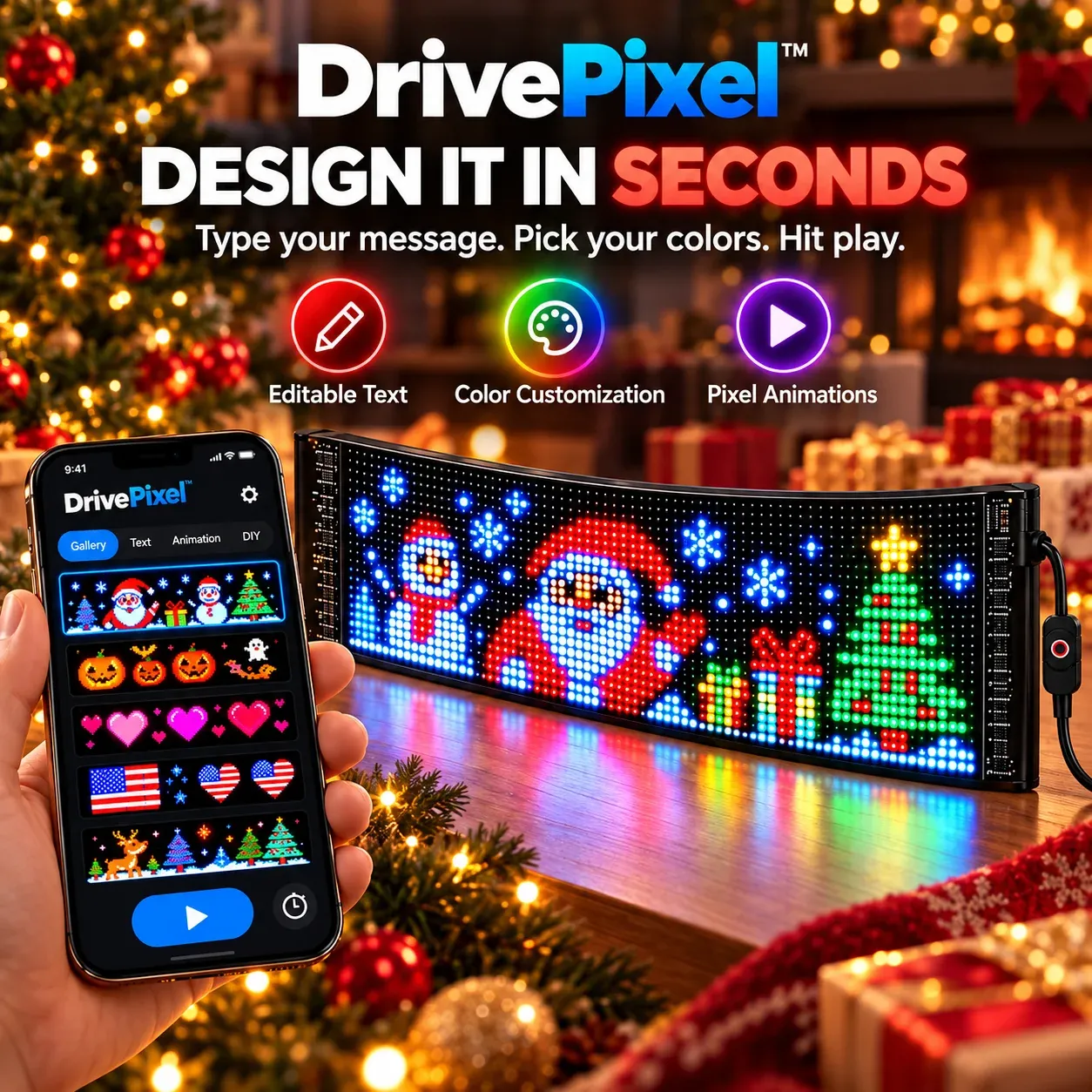
DrivePixel™ gives you much more freedom than a fixed sticker or single holiday decoration. Open the app, choose a pixel design, edit your message, adjust the colors and give the rear window a new look whenever you feel like changing things up.



A still photo can't show the best part.
Once the pixels start moving, the whole rear window changes. These real world clips give you a much better feel for how DrivePixel™ actually looks after it is mounted on a vehicle.
Pick it. Personalize it. Press play.
You don't have to keep the same image on your rear window all season. Browse the available pixel artwork, customize the look and switch designs whenever you want something new.
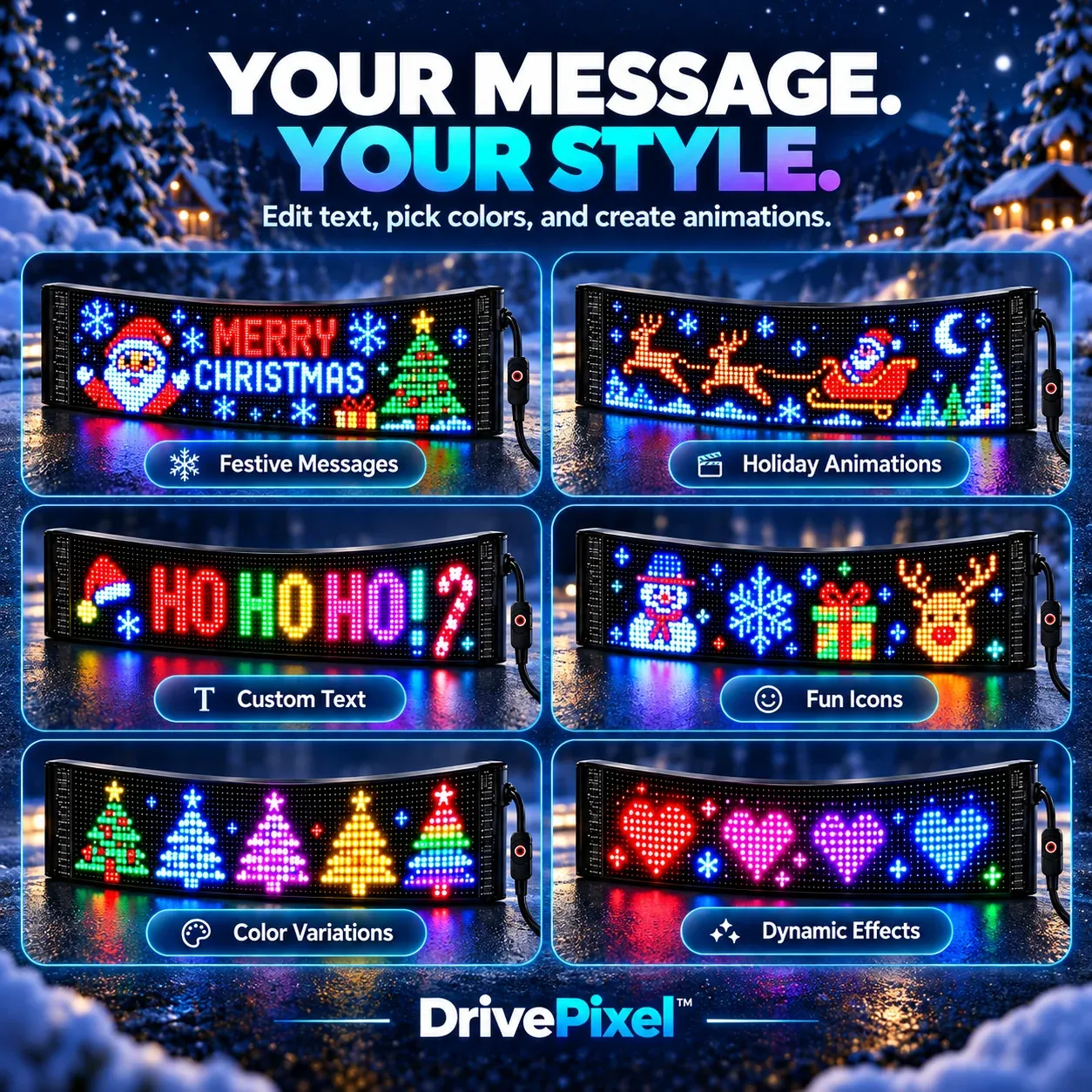
One display can feel completely different every time you use it.
Keep things classic with Santa and snowflakes, write your own message, use colorful icons or switch to another theme completely. You have room to experiment instead of being stuck with the same design every day.
Clean the glass. Position the screen. Connect the power.
The flexible panel is designed for a straightforward rear window setup. Once you have chosen the position you want, secure the display inside the glass, route the cable and connect the power.
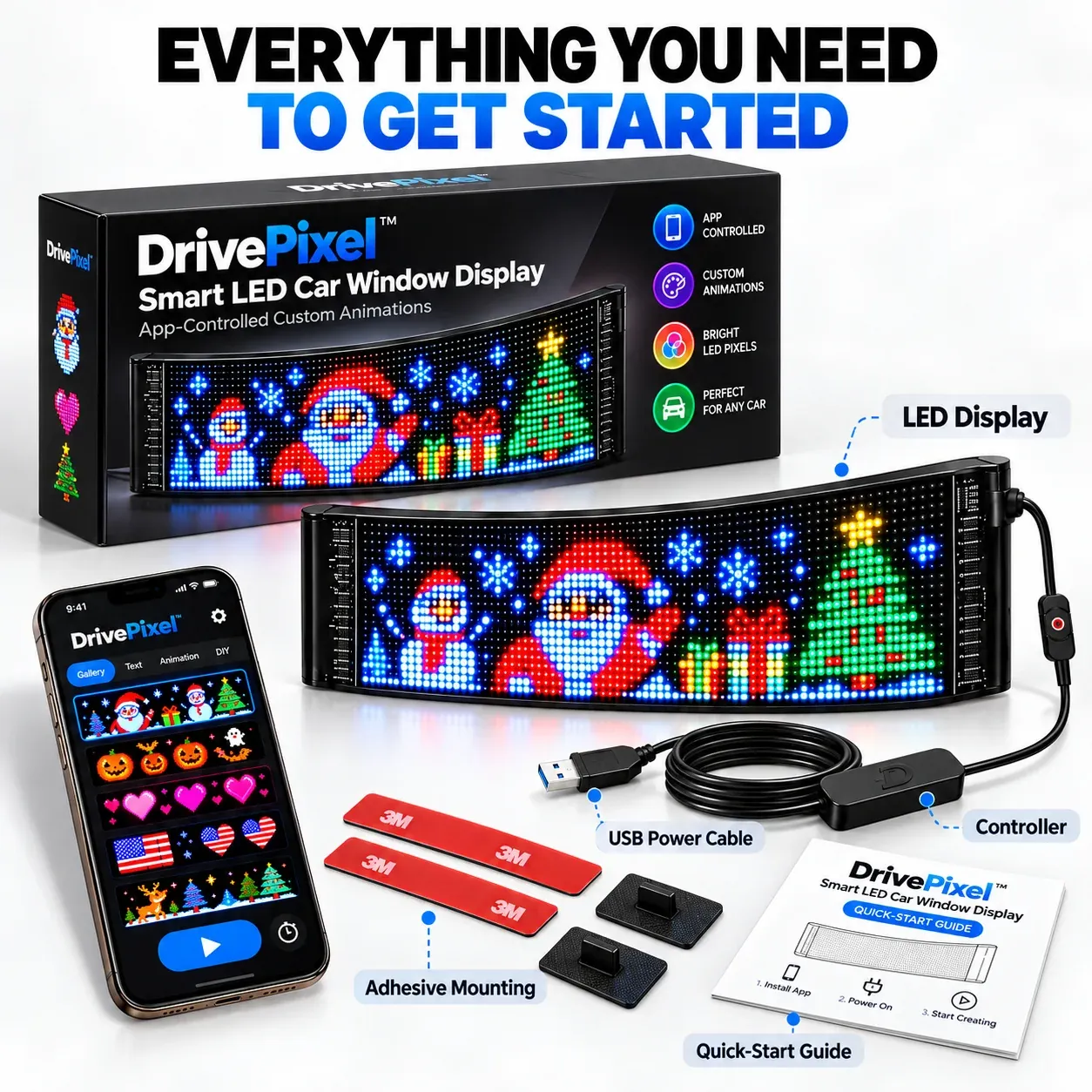
Open the box and get your setup ready.
DrivePixel™ includes the core pieces needed to get started, including the LED display, power connection, controller and mounting components.
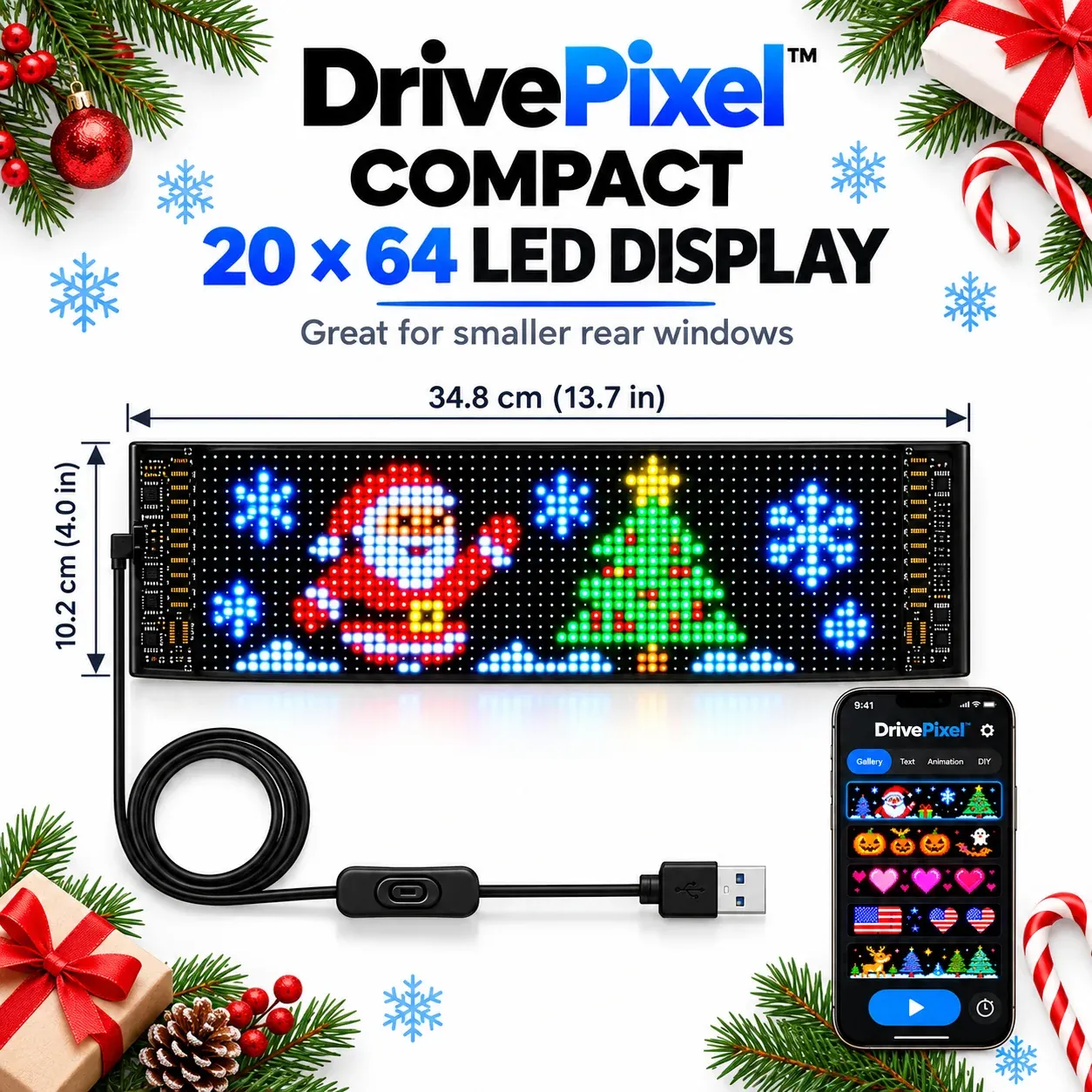
Pick the screen size that makes sense for your rear window.
The Compact model keeps a lower profile, while the Large model gives you more vertical pixel space. Measure the usable area inside your rear glass before ordering.